Test Manager Version 1.1 for YouTrack brings more convenience to everyday testing.

Christopher Müller-Dönnhoff
September 29, 2026
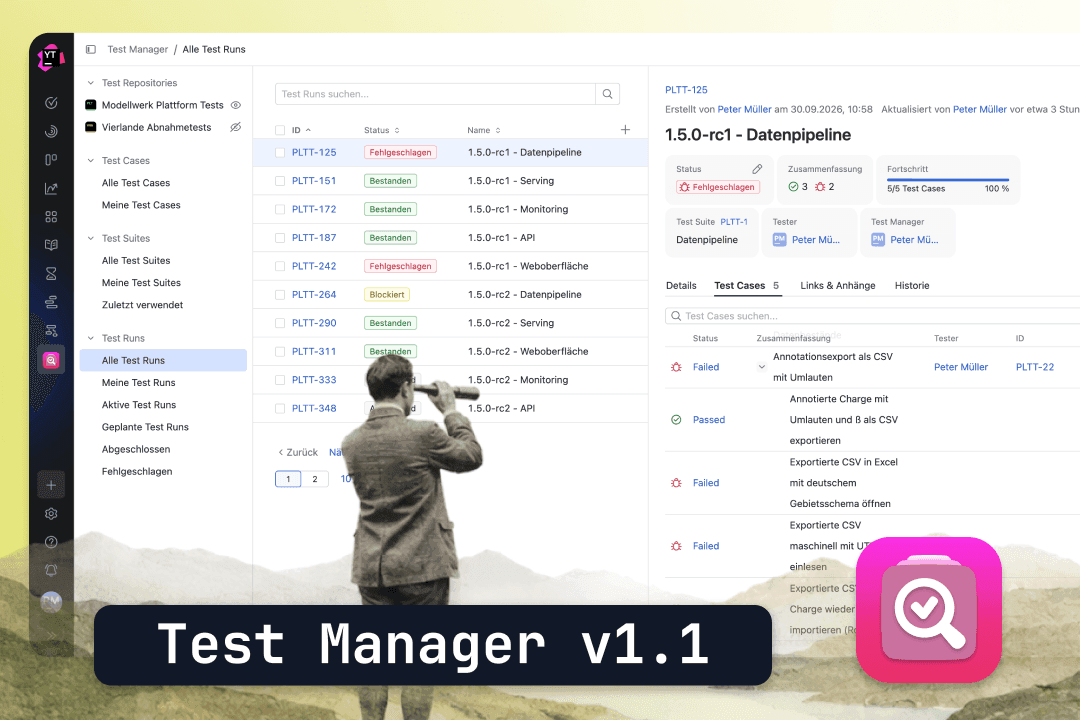
With Version 1.0, we brought the entire test management cycle to YouTrack this summer—planning test suites, test cases, and test steps, and executing them in test runs, all as native YouTrack issues. Since then, the first teams have been working productively with the app.
Version 1.1 is a quality-of-life release. It addresses many small issues that have come to light during daily use. And to be honest, those are often the things that make the difference between an app that people enjoy using and one they use only out of a sense of duty.
The configuration now scales with
The YouTrack projects that serve as test repositories are specified in the app's configuration. As long as you have three projects, this isn't a big deal. However, for instances with several dozen projects, the list has simply been too long up until now.
That's why the overview can now be searched and filtered; it's sorted alphabetically, and repositories with configuration errors appear at the top. So you can see right away where there's a problem, instead of having to search for it.
The app learns how you work
Until now, YouTrack Apps couldn't save a local state in the browser. Since JetBrains introduced this feature, we've been using it. The width of the details pane now stays as you set it. Projects that are shown or hidden remain that way. And the project selection is still there after a reload. It was important to us that the URL remain the defining factor. If a colleague sends a link to a specific selection, the link takes precedence—not the saved state. So sharing continues to work just as you’d expect from YouTrack.
One editor for everything
The Markdown editor in Test Manager was initially a copy from our Panorama app. It is now part of our shared component base, which we maintain for all our YouTrack apps. Starting with version 1.1, Test Manager uses this shared editor. The editor behaves the same way everywhere—whether you’re creating a test case, in the Details tab, on the test case cards within a test suite, or in the middle of executing a test step.
Over 50 improvements to the user interface
Most of the changes in Version 1.1 are in the details—details that you would hardly mention individually, but which, taken together, make a noticeable difference. Here are a few examples:
- Flyouts and details from test runs present relevant information in visually appealing card elements
- Tables make better use of the available space; status columns are no longer cut off
- A newly created test step remains in view instead of the list jumping to the top
- Loading indicators appear where there is an actual wait, such as when uploading attachments
- The cursor stays in place when typing in Test Step text fields
- The counters in the tab headers update automatically when steps and cases are added
- Required fields work the same way as they do in YouTrack
In addition, there are fixes to the detail view, dialogs, scroll containers, and the Safari-specific behavior of tables.
What's Next
For the next version, we’re working on the issues that have been raised most frequently by users. At the top of the list are the REST API for creating test data, the automatic creation of a ticket when a test step is marked as “Failed,” and the ability to clone and move test documents between repositories. Next on the list are custom saved searches, the use of YouTrack tags, and the ability to insert images in the Markdown editor.
Your feedback shapes our roadmap. If there's something missing or something that's getting in the way, let us know.
twenty20 GmbH & Co. KG
Hausinger Straße 6
40764 Langenfeld
+49 (0) 2173 167 00 50